The best social media scheduler depends on the job you need it to do. Developers and AI-agent builders should look for strong APIs, SDKs, and broad platform support. Agencies managing multiple clients need workspaces and approvals. Solo creators want a visual calendar and a low price. This ranking compares six real schedulers on the four things that decide the choice: platform coverage, pricing model, API and agent access, and whether the tool does more than post.
We ranked 6 tools for different jobs, not for a single "winner." If you build software or run automations, the API-first options rise to the top. If you manage content by hand in a dashboard, the team and creator tools earn their place.
Table of contents
- How we ranked these tools
- The 6 best social media schedulers in 2026
- Comparison table
- How to choose the right scheduler for your role
- Key takeaway
- FAQ
- Sources
How we ranked these tools
We scored each scheduler on four criteria that actually influence the buying decision:
- Platform coverage. How many networks it publishes to.
- Pricing model. Flat, per-seat, per-channel, or per-account, and how the bill behaves as you grow.
- API and agent access. Whether you can drive it programmatically, and whether it exposes an MCP server for AI agents.
- Scope. Whether it only posts, or also handles comments and analytics, for example.
Stop building social integrations from scratch.
One API call to publish, schedule, and manage posts across 17 platforms.
The 6 best social media schedulers in 2026
1. Zernio: the API-first scheduler for developers, agencies, and AI agents
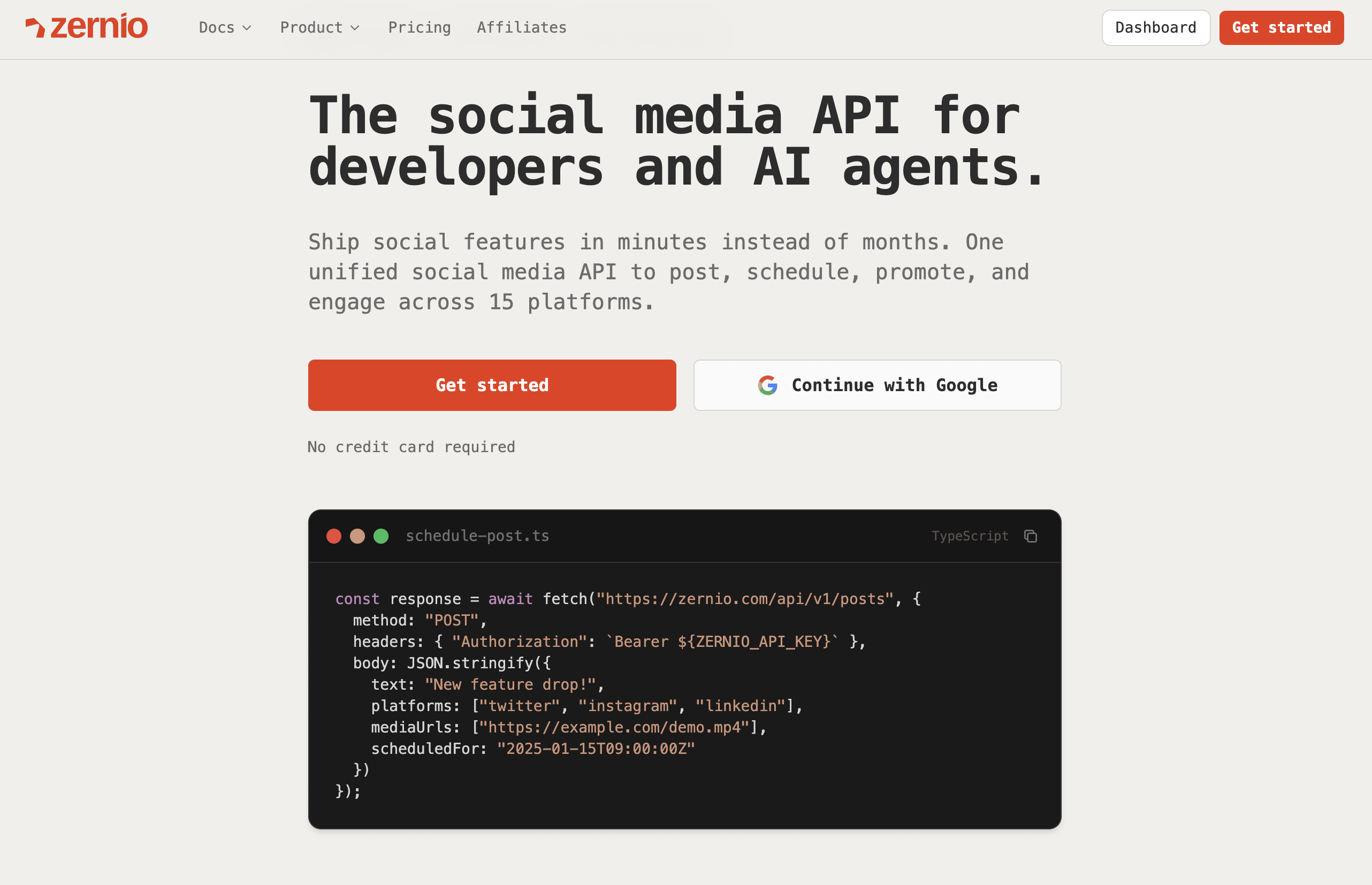
Zernio is a social media scheduler built as an API first and a dashboard second. One REST API publishes to 15 platforms, so a developer integrates once instead of building and maintaining 15 separate platform connections.
Zernio covers X, Instagram, TikTok, LinkedIn, Facebook, YouTube, WhatsApp, Threads, Pinterest, Reddit, Bluesky, Telegram, Google Business, Snapchat, and Discord, the widest coverage in this list. WhatsApp and Telegram matter for messaging-heavy products; Discord matters for community tools.
The platform's core strength is that it does more than post. The same integration handles comments, DMs, analytics, and ads across the platforms that support them, so a product team adds engagement and reporting without a second vendor. It also ships a hosted MCP server with 480+ tools and a CLI that outputs structured JSON, so an AI agent can post on socials, read analytics, and boost the winner through one tool server. That's the piece most schedulers don't have at all.
How to use Zernio for your search. Zernio works best for developers, agencies, and AI builders who want to add scheduling to their own product or automation instead of logging into a dashboard.
- Integrate once: connect all 15 platforms through one REST API or MCP, rather than building and maintaining 15 separate platform integrations.
- Publish everywhere: send one request to schedule or publish text, images, video, and carousels across any combination of platforms, with media auto-formatted for each network.
- Add engagement and data: pull comments, DMs, analytics, and ads from the same integration, and drive the whole loop from an AI agent through the MCP server.
For example, a startup with an AI tool that generates social content can call Zernio's posting API to publish across Instagram, TikTok, LinkedIn, and X in one request, then pull performance data and boost the top post later, all without building a single platform integration itself.
Pro tip: use Zernio's cross-platform scheduling API to build your own white-label scheduler for clients. Posts publish through official platform APIs, so end-users never see Zernio, and you control the brand and the pricing.
Pricing and access. Zernio uses pay-per-account pricing with every feature included from the first account and no per-seat charges or tiers. Your first 2 accounts are free. After that it's $6 per account for accounts 3 to 10, $3 for 11 to 100, and $1 for 101 to 2,000, so the price per account drops as you grow. Infrastructure runs at 99.7%+ uptime and under 50ms response times, with SOC 2 and GDPR compliance. If you'd rather build the scheduling logic into your own product from scratch, read our guide to a social media scheduling API.
| Pros | Cons |
|---|---|
| One API for 15 platforms, the widest coverage here | Advanced use assumes some technical comfort with an API |
| Full social layer: posting, comments, DMs, analytics, ads | Might not be the best choice if you're looking for a visual post scheduling dashboard |
| 480+ MCP tools for AI agents; CLI with JSON output | |
| Pay-per-account pricing that drops as you scale; first 2 free |
Best for: developers embedding scheduling, agencies that want API-level control, and AI agents that publish autonomously.
Website: https://zernio.com
2. Hootsuite: the enterprise all-in-one dashboard
Hootsuite is one of the established names in social media management, and it shows up on most serious scheduler lists. It offers a management suite: publishing, engagement, analytics, and team approvals in one dashboard, built for organizations running many brands or client accounts.
The platform's core strength is the central calendar and the approval workflow. Marketing teams can plan weeks ahead, route drafts for sign-off, and pull shareable performance reports across every major network from one dashboard.
How to use Hootsuite for your search. Hootsuite works best for big teams that need to consolidate publishing, engagement, and analytics into one view.
- Centralize your calendar: use the Planner to see all scheduled and published content across every network in one place.
- Add AI and integrations: generate captions and hashtags with the built-in AI, and design visuals with the Canva integration without leaving the composer.
- Measure performance: build custom, shareable reports that track key metrics and demonstrate ROI to clients or leadership.
For example, an e-commerce brand can schedule promotional campaigns weeks in advance, monitor brand mentions in a dedicated stream, and generate a report comparing its social performance against competitors, all from the same platform.
Pro tip: use the "Best Time to Publish" feature when scheduling. Hootsuite analyzes your audience's past engagement and suggests posting times for each network to widen reach.
Pricing and access. Hootsuite offers a 30-day free trial on its Professional and Team plans. Pricing is tiered and sits at the higher end, with advanced features like team assignments and content libraries gated to the top plans. The cost reflects its position as an enterprise suite rather than a lightweight scheduler, so that's one of the reasons companies and teams look for a Hootsuite alternative.
| Pros | Cons |
|---|---|
| Enterprise-tested platform with strong analytics | Higher price point than most tools here |
| Approval workflows and team collaboration built in | Advanced features gated to top tiers |
| Wide network coverage and AI composer tools | Heavier than solo creators need |
Best for: enterprises and larger teams that need analytics and collaboration in one platform.
Website: https://www.hootsuite.com
3. Sprout Social: premium analytics and social listening
Sprout Social is a premium suite that combines scheduling with deep analytics, social listening, and a unified inbox. Brands and agencies that need detailed reporting and sentiment tracking choose it for the data, not just the scheduling.
The platform's core strength is the pairing of scheduling with deep analytics and engagement tools. The unified Smart Inbox pulls every incoming message into one stream with tagging and task assignment, and the reporting suite produces the client-ready analytics agencies use to show ROI.
How to use Sprout Social for your search. Sprout Social works best for teams that run complex strategies and need data and engagement in the same place.
- Use the Smart Inbox: consolidate incoming messages from every connected profile, tag interactions, and assign tasks to team members for faster responses.
- Schedule with Optimal Send Times: let Sprout pick posting slots from your audience's activity to widen engagement.
- Generate in-depth reports: build custom reports on post performance, audience growth, and competitive analysis to show clients results directly.
For example, a marketing team can plan a campaign in the content calendar, schedule posts at peak times with the AI features, and measure the campaign against specific KPIs in the analytics dashboard, all in one ecosystem.
Pro tip: explore the review management features. Sprout integrates with sites like Glassdoor and TripAdvisor, so you can monitor and respond to reviews alongside your social strategy.
Pricing and access. Sprout Social runs on per-user, per-month pricing, so the bill climbs with team size. It's one of the pricier options here, with the most advanced features on higher tiers. A 30-day free trial lets you test before committing, and nonprofits may qualify for discounts.
| Pros | Cons |
|---|---|
| Deep analytics and social listening | Per-user pricing gets costly for larger teams |
| Unified Smart Inbox for engagement | Advanced features require higher tiers |
| Consistently high user ratings | Premium price point |
Best for: agencies and large teams that need advanced reporting and listening.
Website: https://sproutsocial.com
4. Buffer: simple per-channel scheduling for small teams
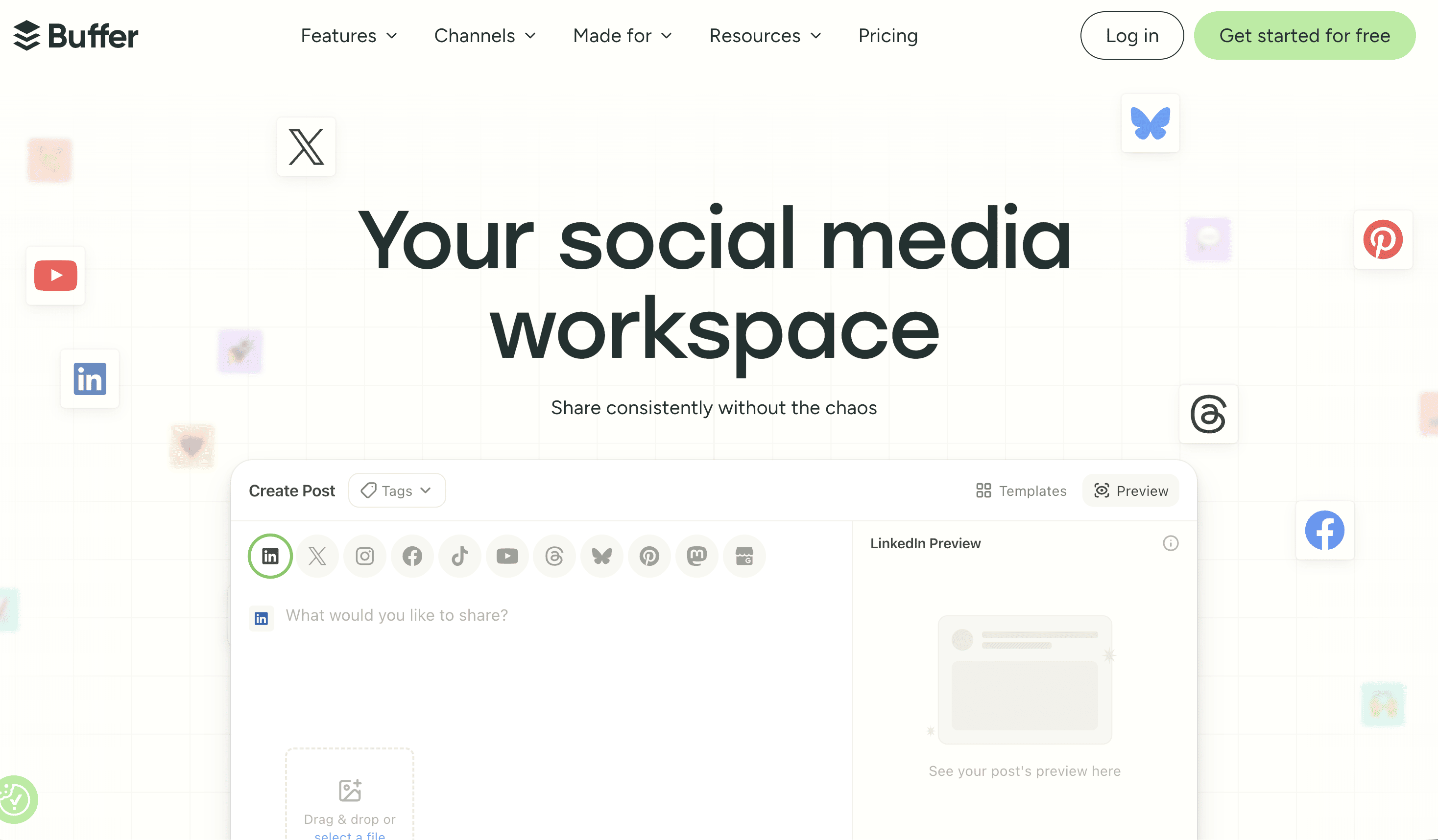
Buffer wins on simplicity. Its queue-based scheduling is easy to learn, which makes it a common first pick for solo entrepreneurs, creators, and small businesses that want consistency without a steep learning curve.
The platform's core strength is its clean, queue-based scheduling. You pre-load a queue and Buffer publishes on your set schedule, with a clear calendar view and first-comment scheduling for Instagram. The per-channel pricing lets you build a plan that matches exactly what you need.
How to use Buffer for your search. Buffer works best for solo creators and small teams that want to add channels one at a time as they grow.
- Start small: begin on the free plan to manage up to three channels and schedule ten posts per channel.
- Scale with channels: add channels on the Essentials plan, which includes unlimited posts, an engagement inbox, and analytics.
- Collaborate: move to the Team plan for unlimited users, custom access levels, and draft approval workflows.
For example, a freelance social media manager can start with a single client's channels on the Essentials plan and add more channels as the business grows, keeping costs aligned with revenue.
Pro tip: use Buffer's browser extension to add articles, images, and links to your queue from anywhere on the web, which speeds up content curation.
Pricing and access. Buffer's free plan is a solid starting point for individuals. Paid plans are per-channel, starting around $6 per month per channel for Essentials, which adds unlimited scheduling, analytics, and engagement tools. The Team plan adds unlimited users and collaboration for a higher base price. The trade-off is depth: Buffer is lighter on API coverage and enterprise features, and per-channel costs add up once you manage many accounts.
| Pros | Cons |
|---|---|
| Very low entry price; transparent per-channel costs | Lighter on advanced features |
| Simple, easy-to-learn interface | Costs add up as you add channels |
| Free plan and quick browser-extension curation | Fewer enterprise and API capabilities |
Best for: solo marketers and small teams on a budget.
Website: https://buffer.com
5. PostPlanify: agency and team-first scheduling with flat pricing
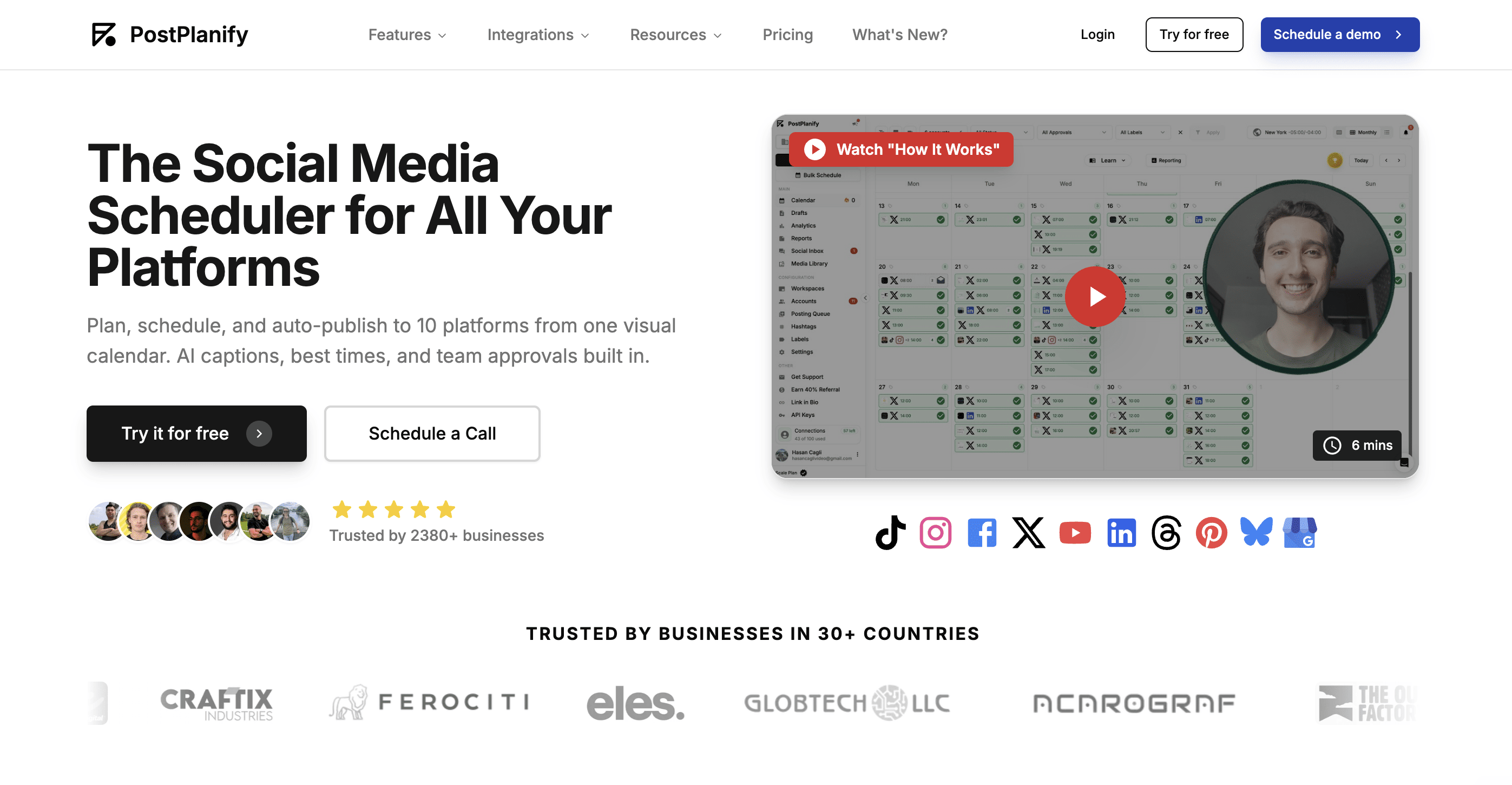
PostPlanify is built specifically for agencies and marketing teams, making it a standout contender in any social media scheduler ranking for those managing social media across multiple clients or brands. It publishes to 10 platforms, including Instagram, TikTok, LinkedIn, Facebook, X, YouTube, Pinterest, Threads, Bluesky, and Google Business Profile, from a single visual calendar. This team-first approach, paired with flat monthly pricing that never charges per seat, fills the gap between per-seat enterprise suites and solo-creator apps.
The platform's core strength is its team layer. Every client or brand lives in its own workspace with role-based permissions, posts can be routed to a client or manager for sign-off before publication and white-label reports carry your agency's branding instead of the tool's. Its AI assistant writes captions from your actual images and videos rather than generic prompts, then fits them to each platform's best practices automatically.
How to use PostPlanify for your search. PostPlanify is best leveraged by teams that manage social media for multiple brands or clients and want the entire workflow in one place.
- Organize by Client: Connect your accounts and group them into workspaces, one per client or brand, so calendars, media libraries, and team access stay cleanly separated.
- Schedule in Batches: Upload up to 20 images or videos at once, let bulk scheduling distribute the dates automatically, and generate AI captions for the whole batch in one pass.
- Route for Approval, Then Report: Send posts through single or multi-stage approvals before publishing and export white-label PDF or live report pages when the month closes.
For instance, a five-person agency managing eight client brands can load each client's monthly content in a single sitting, have clients approve posts inside the platform instead of over email and deliver branded performance reports, all on one flat subscription rather than eight logins or per-seat fees.
Pro tip: Use the best-times heatmap when scheduling. PostPlanify builds it from your own audience's engagement history rather than generic benchmarks, so the suggested slots get sharper the longer your accounts are connected.
Pricing and access. PostPlanify offers a 7-day free trial with a 14-day money-back guarantee. Its pricing structure is flat-tiered, starting at $99 per month ($79 per month billed yearly) with 15 social accounts, 5 workspaces, and 3 users, and scaling to 100+ accounts on higher tiers without ever charging per seat. A REST API and MCP support are included on all plans for teams that want to automate posting from their own stack or AI agents.
| Pros | Cons |
|---|---|
| Flat pricing at every tier | No free plan |
| Approvals and white-label reporting included | Built for teams, so solo creators may find it more than they need |
| AI works from your actual media |
Best for: client social media management for agencies and marketing teams.
Website: https://postplanify.com/social-media-scheduler
6. Later: visual-first scheduling for creators
Later started as an Instagram scheduler and grew into a visual-first platform for creators and visual brands. If your strategy lives on Instagram, TikTok, and Pinterest, its drag-and-drop planner and feed preview are the draw.
The platform's core strength is its drag-and-drop Visual Planner, which lets you arrange your Instagram grid before posts go live. That visual-first approach extends to the Link in Bio tool, the content calendar, and AI caption help, all built to move from creation to engagement quickly.
How to use Later for your search. Later works best for creators and visual brands focused on Instagram, TikTok, and Pinterest.
- Plan visually: use the Visual Planner to arrange your Instagram grid for a cohesive, professional feed.
- Generate ideas and captions: use the AI Caption Writer and "Get Ideas" feature to produce text that fits your visuals.
- Optimize your bio link: customize the Link in Bio page to drive traffic to your most important content, products, or promotions.
For example, a creator can plan a month of Instagram and TikTok content in the Visual Planner, auto-generate captions for the batch, and route profile traffic to a product page through Link in Bio, all in one tool.
Pro tip: use Later's "Best Time to Post" feature, which reads your audience's activity and suggests posting times for each network to widen reach.
Pricing and access. Later is paid-only, with no free plan. Plans start at the Starter tier around $25 per month for one Social Set and a single user, then scale to Growth and Advanced with more posts, additional Social Sets, and advanced analytics. A free trial is available on paid plans. Entry plans cap posts per profile, and Later carries fewer enterprise features than the suites above.
| Pros | Cons |
|---|---|
| Excellent for visual brands and creators | No free plan; paid from around $25/mo |
| Drag-and-drop planner and Link in Bio tool | Entry plans cap posts per profile |
| Free plan and AI caption help | Narrower platform focus, fewer enterprise features |
Best for: solo creators and small teams focused on visual platforms.
Website: https://later.com
Social media scheduler rankings comparison
| Product | Expected outcomes | Ideal use cases | Key advantages |
|---|---|---|---|
| Zernio | High - fast multi-platform posting from one API | Developers, agencies, and AI agents managing many accounts | Unified API, 15-platform support, 480+ MCP tools, 99.7% uptime |
| Hootsuite | High - strong scheduling, analytics, and collaboration | Enterprises needing advanced analytics and team tools | Comprehensive features, strong analytics, collaboration support |
| Sprout Social | High - advanced reporting, AI, team workflows | Agencies and larger teams needing deep analytics | Deep analytics, AI-powered features, strong team workflows |
| Buffer | Moderate - basic scheduling and analytics | Solo marketers and small teams with cost constraints | Low entry cost, easy to use, per-channel flexibility |
| PostPlanify | High - centralized scheduling, approvals, and client reporting | Agencies and marketing teams managing multiple clients or brands | Flat pricing, client approval workflows, white-label reports, 10-platform support |
| Later | Moderate to High - visual scheduling, AI captions | Solo creators, small teams focused on visual brands | Visual content calendar, AI caption tools, best-time suggestions |
How to choose the right scheduler for your role
What is the best social media scheduler in 2026?
It depends on your role. For developers and AI-agent builders, Zernio ranks first because one REST API publishes to 15 platforms and exposes 480+ MCP tools for agents. For agencies, PostPlanify or Zernio's API handle multiple clients with workspaces and white-label reporting. For creators, Later and Buffer are the simplest picks. There's no universal winner, only the right fit for the job.
What's the best social media scheduler for developers?
Zernio. If you're embedding scheduling into your own product, you want one API that abstracts away 15 platform integrations, not a dashboard you have to click through. See the posting API for the full surface.
What's the best social media scheduler for agencies managing multiple clients?
PostPlanify if you want a finished dashboard with client workspaces and approvals out of the box. Zernio's API if you want to build your own white-label client dashboard and control the pricing at scale.
What's the best scheduler for solo creators and small businesses?
Buffer for simple, low-cost, per-channel scheduling. Later if your work is visual and lives on Instagram, TikTok, and Pinterest.
What's the best scheduler for enterprise analytics and listening?
Sprout Social or Hootsuite if you want a finished dashboard. Both bundle scheduling with the reporting, social listening, and team approvals that larger organizations need, and both price accordingly. If you'd rather own the product and put your own brand on it, Zernio is the API solution: build a white-label analytics and scheduling layer on one integration, with unified data across every account and posts that publish through official platform APIs so clients never see a third-party tool.